• Buttons
  • Capsule
  • Mobius
  • Paper Clip
  • Ring
  • Torus
  • Crystal
  • Grain of Send
  • Gear Cylinder
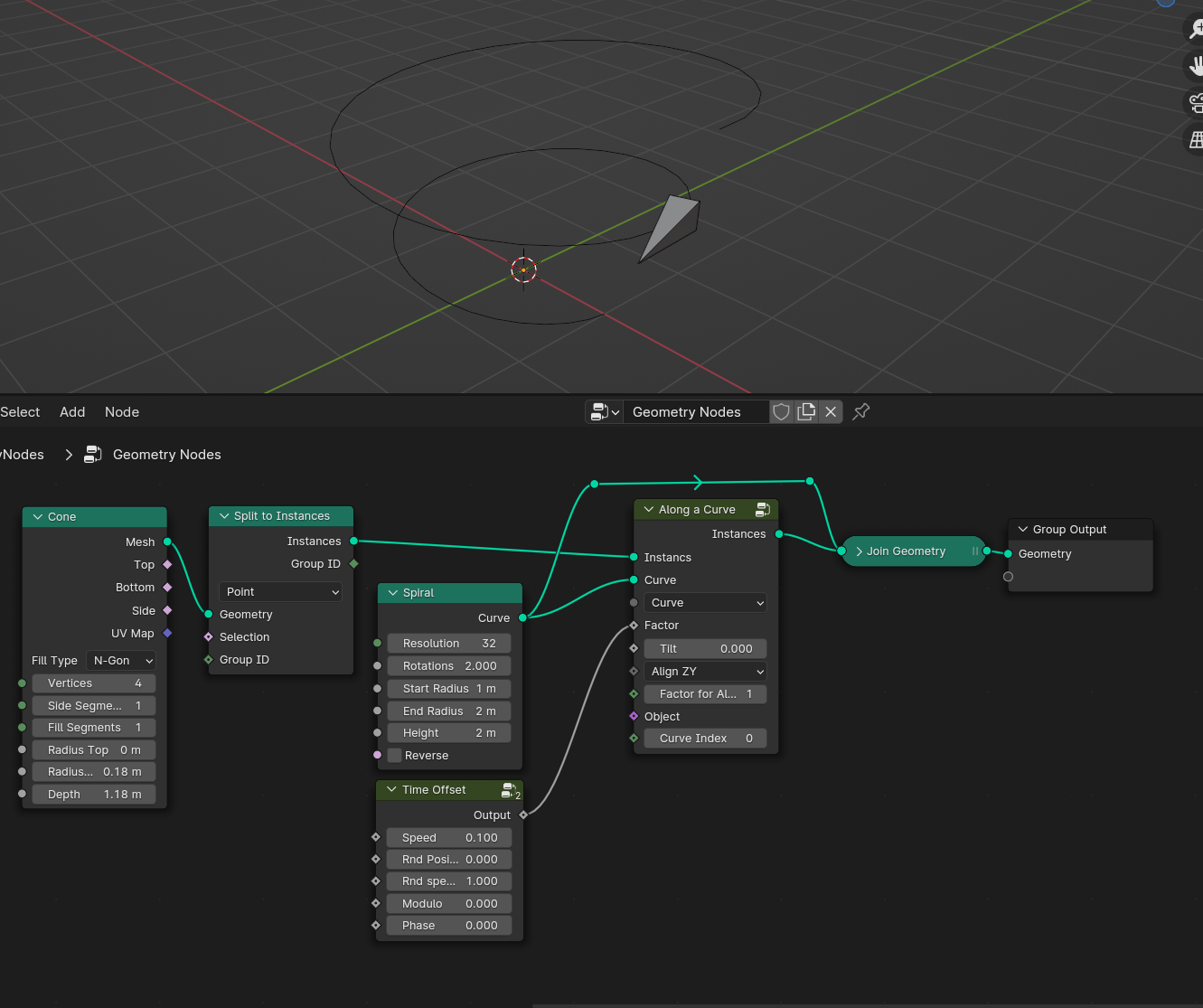
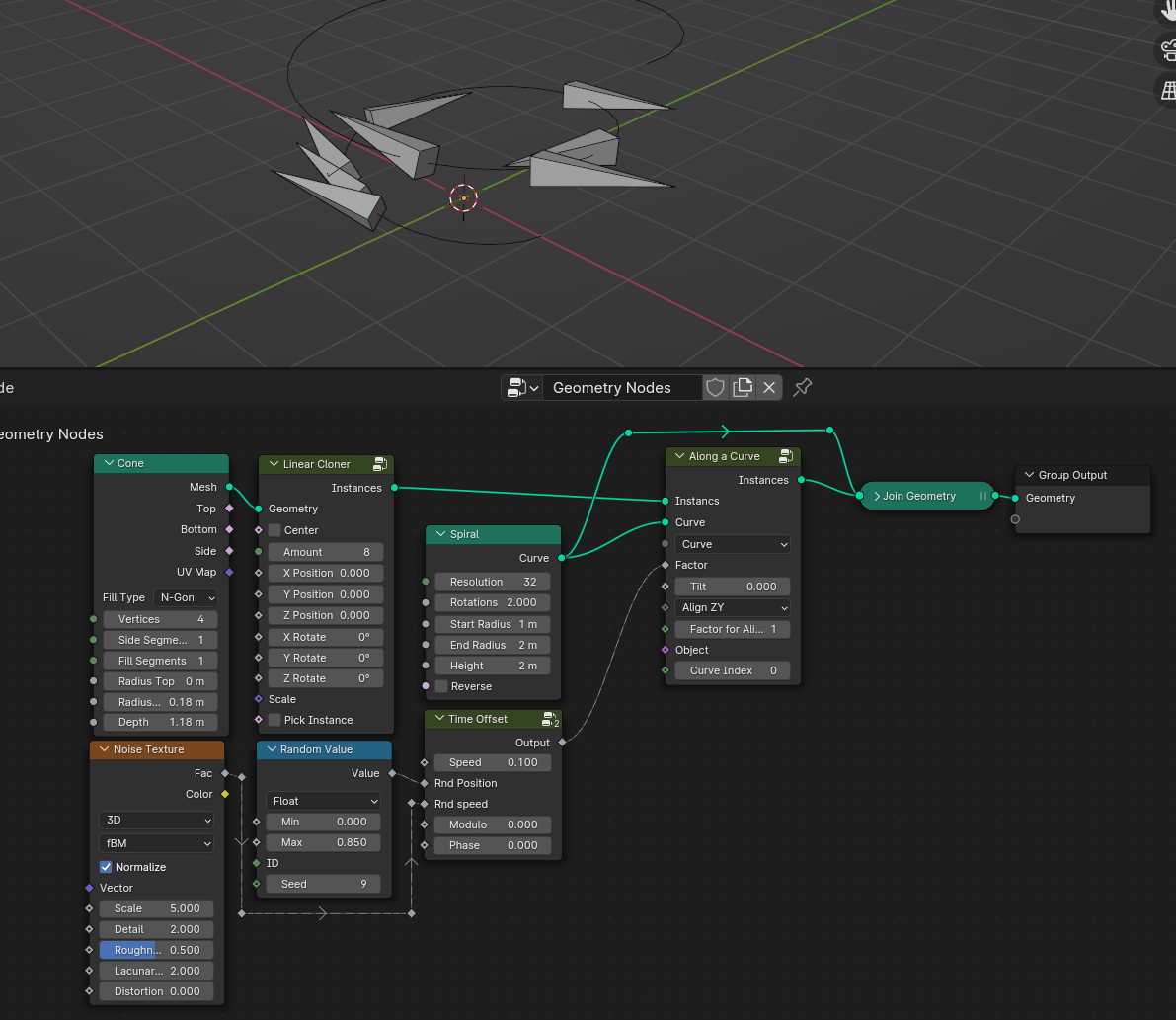
Time Offset

The node is based on the time of the scene, used for animation. Based on seconds.

Settings

Menu

  • Linear – Linear playback.
  • Loop – Loop from 0 to 1, after which it resets to 0
  • Ping-pong – Time runs from 0 to 1 and returns smoothly to 0.
  • Counter – The counter depends on the speed, and rounds up the value every second.
  • Sine – Applies sinusoidal motion to the factor. The initial phase is derived from the element’s index or position.

Speed – Speed based on seconds.
Random – Random starting position
Phase – Offset for adjustments

Sine Mode
Index–
the sine wave is distributed across elements by their order (first element = 0, last = 1). The index is taken from points or instances.
Position – the sine wave is sampled from each element’s spatial coordinates.

When Position mode is active, you can choose which axes drive the sine wave:

  • Position X / Y / Z — toggle to include the axis as a source. Each axis can be enabled independently or combined.
  • Noise — adds noise to the wave along the axis, breaking up the regular pattern. Set to None to keep the wave clean.
  • Power — controls the density of the sine wave along the axis. Higher values produce more cycles, making the wave tighter; lower values stretch it out.


Normalize – If turned off, the factor returns from 0 to 1, if turned off from 1 to 1.

Map Range defines the output range of the factor over time.
To Min — the starting value of the factor (at 0 seconds).
To Max — the value the factor reaches at 1 second. For example, in Linear mode, setting To Max to 4 means the factor equals 4 at the 1-second mark.

Both values accept negatives. If To Max is lower than To Min, the factor counts backwards, reversing the animation direction

How to use

Pay attention to the sequence of the float curve and the map range, this is the only correct way to make the animation more interesting.